A Step-by-Step Guide to Hiding TV Wires for a Clean Look
Why Hide TV Wires?
Mounting a TV on the wall can transform your living space into a sleek and modern entertainment area. However, exposed wires can detract from the clean look you’re aiming for. Hiding TV wires not only enhances aesthetics but also reduces clutter and minimizes tripping hazards.

Tools and Materials Needed
Before you start, gather the necessary tools and materials. Here’s a quick list to help you prepare:
- Cable management kit
- Drill and drill bits
- Stud finder
- Level
- Screwdriver
- Measuring tape
- Painter's tape
Planning Your Setup
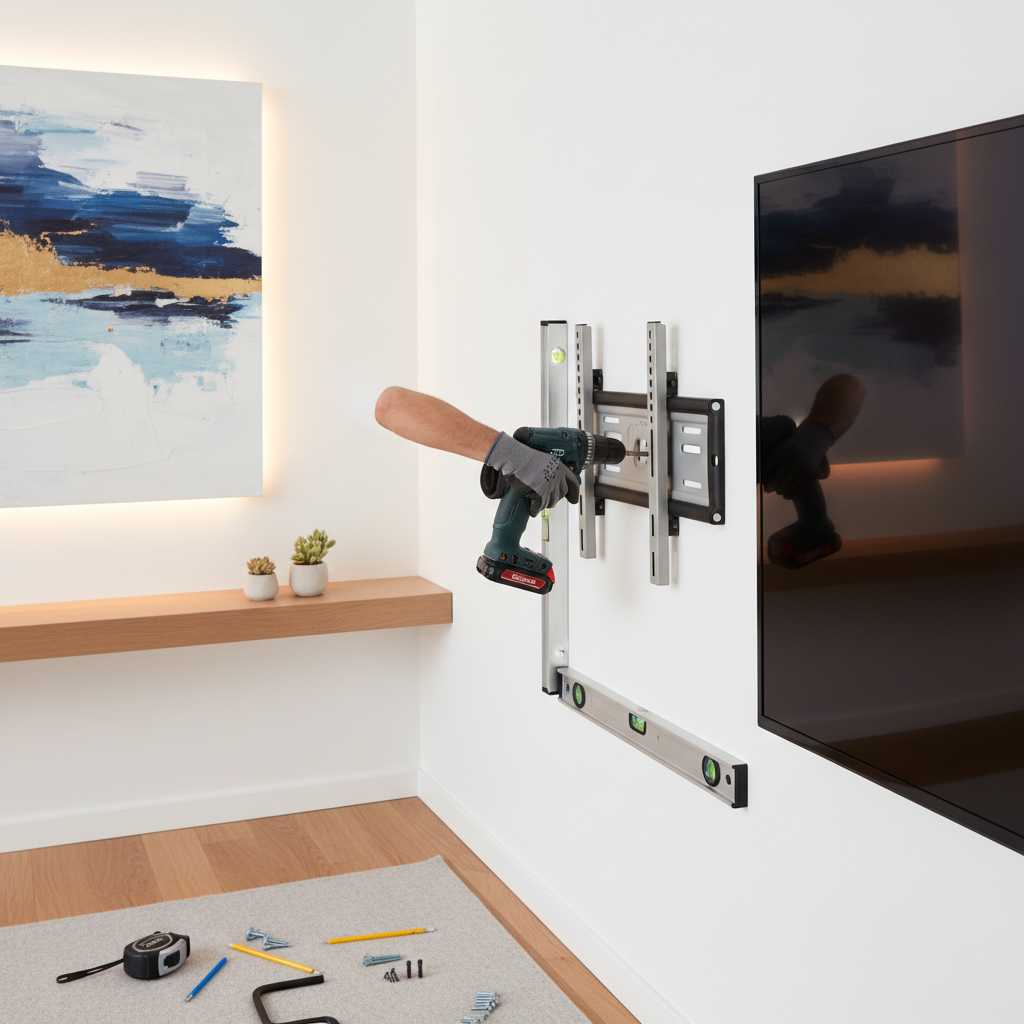
Start by planning where your TV will be mounted and where the wires will need to go. Use a stud finder to locate studs in the wall, as mounting your TV on a stud provides better support. Mark the spots with painter’s tape for easy reference.
Choose a Cable Management System
There are several options to manage your cables, including cable covers, in-wall power kits, and raceways. Wall-mounted cable covers are the easiest to install and can be painted to match your wall color. In-wall power kits provide a seamless look by routing cables behind the wall.
Installation Process
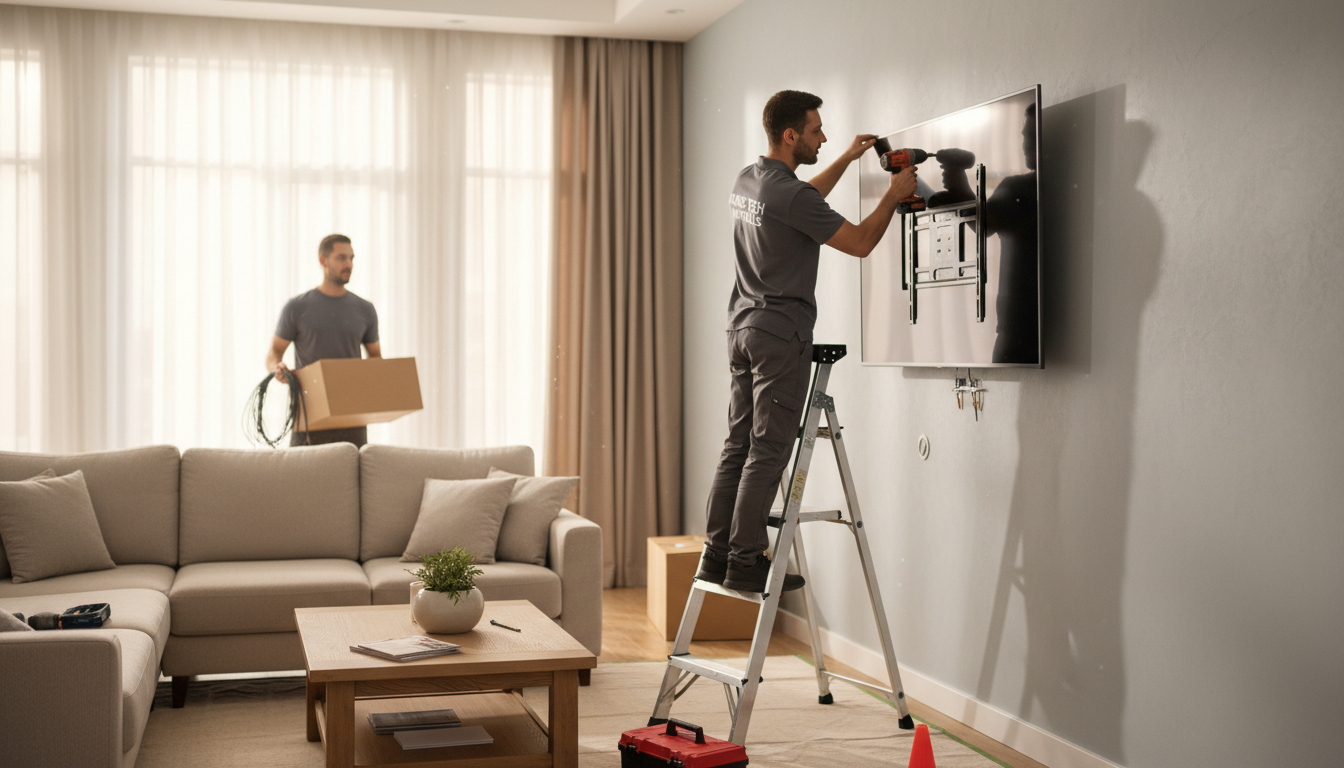
Once you’ve chosen your system, it’s time to install. Follow these steps for a smooth installation:
- Use the level to mark a straight line where the cables will run.
- Drill holes according to the cable management system’s instructions.
- Feed the wires through the system and secure it to the wall.
Concealing the Wires
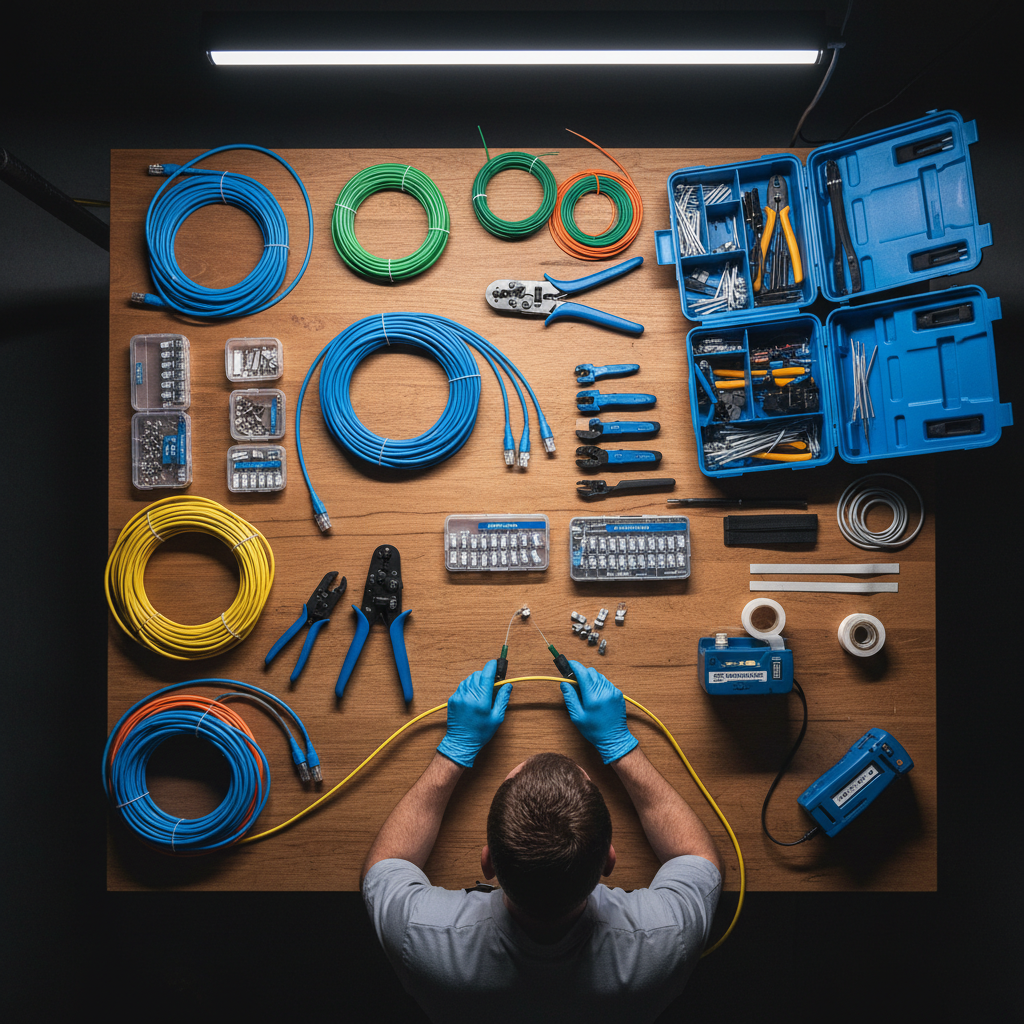
After installation, conceal the wires using the chosen system. If you’re using a raceway or cable cover, ensure it snaps securely shut. Paint the cover to blend with the wall for a seamless look.
Final Touches
With the wires hidden, adjust your TV and any surrounding decor. This is also a good time to tidy up any other visible cables from connected devices to maintain a clutter-free appearance. Enjoy your clean and modern TV setup!