Seasonal Tips for Maintaining Your Mounted TV and Audio Equipment
Regular Dusting and Cleaning
Dust accumulation can affect the performance of your mounted TV and audio equipment. During different seasons, especially in the spring and fall, dust can build up more quickly. Use a microfiber cloth to gently wipe down your TV screen and audio components at least once a week. Avoid using liquid cleaners directly on the screen, as this can cause damage.

For audio equipment, ensure that the vents and speaker grills are free from dust. This helps maintain sound quality and prevents overheating. A small vacuum with a brush attachment can be particularly effective for this task.
Check for Seasonal Humidity Changes
Humidity can have a significant impact on electronic devices. In the summer, high humidity can lead to condensation inside your TV and audio equipment, while winter can bring dry air that may lead to static electricity. Use a dehumidifier in the summer and a humidifier in the winter to maintain optimal humidity levels.
For additional protection, consider using silica gel packs near your electronics to absorb excess moisture. This simple step can help prevent potential moisture-related damage.
Inspect Cables and Connections
Seasonal temperature changes can cause cables to expand and contract, which may lead to loose connections. Regularly inspect all cables and connectors for signs of wear or damage. Ensure that HDMI, power, and audio cables are securely connected to prevent connectivity issues.
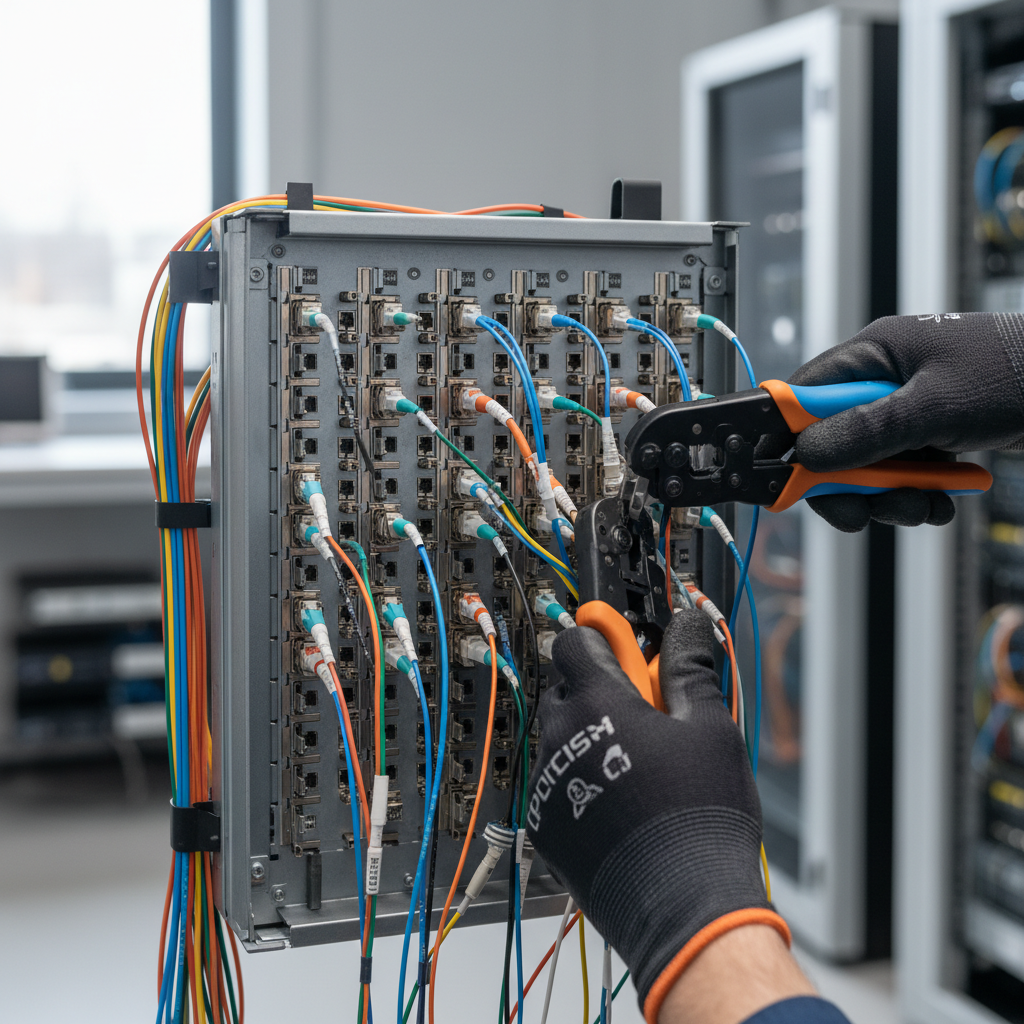
Using cable organizers can help keep everything tidy and reduce strain on connections. This is especially useful if you frequently adjust or move your equipment.
Update Software and Firmware
Manufacturers often release software and firmware updates to improve performance and add new features. Check for updates regularly, especially when transitioning between seasons, to ensure your devices are running optimally.
Updating your equipment not only enhances functionality but also provides improved security features, which are crucial for smart TVs and connected audio devices.
Optimize Audio and Visual Settings
Different seasons bring different lighting conditions, which can affect your viewing experience. Adjust the brightness and contrast settings on your TV to match the ambient light in your room. For the best audio experience, consider recalibrating your sound system to accommodate any changes in room acoustics due to seasonal decor changes.
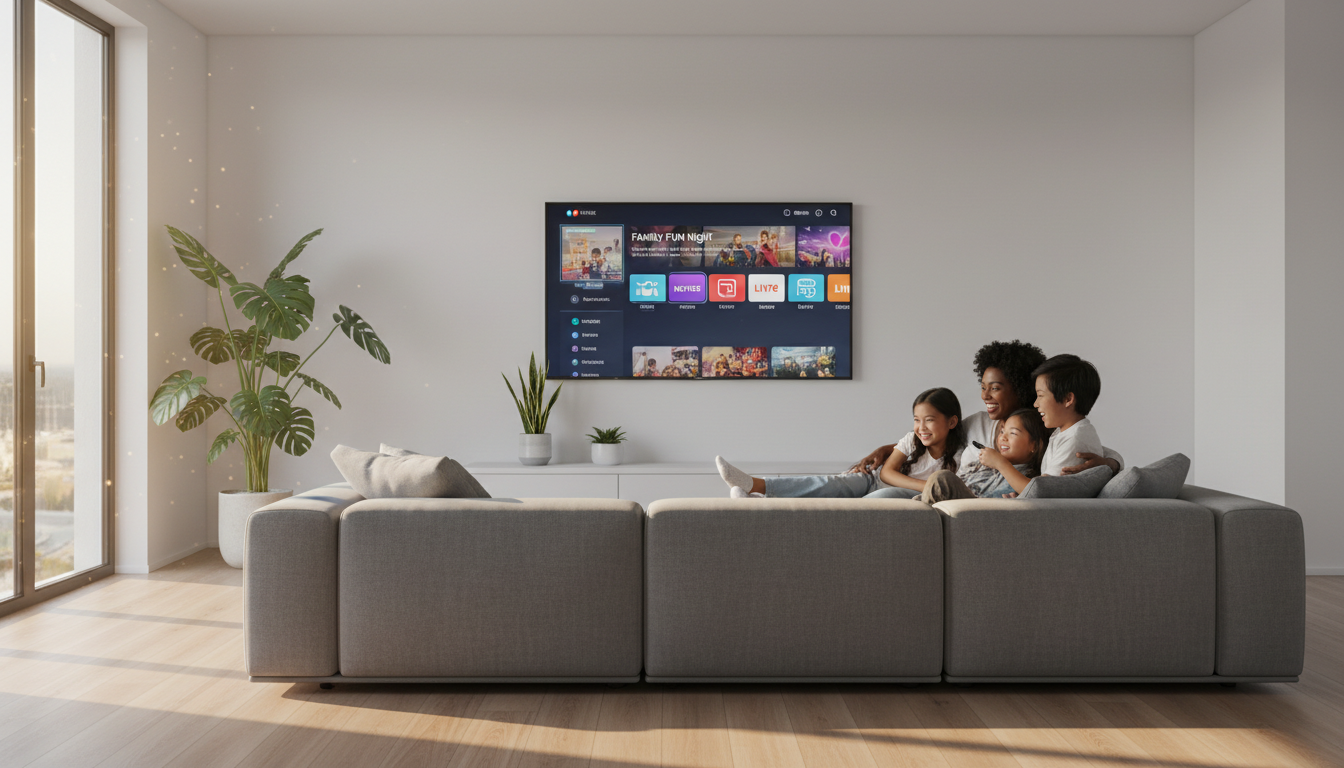
Using presets or creating custom settings for different seasons can enhance both the visual and audio experience, making your home entertainment system feel personalized year-round.
Protect Against Power Surges
Thunderstorms in the summer and icy conditions in the winter can lead to power surges. Ensure your mounted TV and audio equipment are connected to a reliable surge protector. This simple precaution can save your devices from potentially damaging voltage spikes.
Consider investing in an uninterruptible power supply (UPS) for added protection and to keep your equipment running smoothly during power outages.
Seasonal Equipment Check
Perform a thorough equipment check at the start of each season. Look for signs of wear, damage, or anything that may need attention. This proactive approach can help you catch potential issues before they become major problems.
By taking these seasonal maintenance steps, you can extend the life of your mounted TV and audio equipment, ensuring that you enjoy top-notch performance throughout the year.