Step-by-Step: Hiding Wires for a Cleaner TV Setup
Creating a clean and organized TV setup not only enhances your viewing experience but also adds a touch of elegance to your living space. One of the most common challenges in achieving this is managing the clutter of wires. This step-by-step guide will help you hide those pesky cables for a sleek and tidy look.
Assess Your Setup
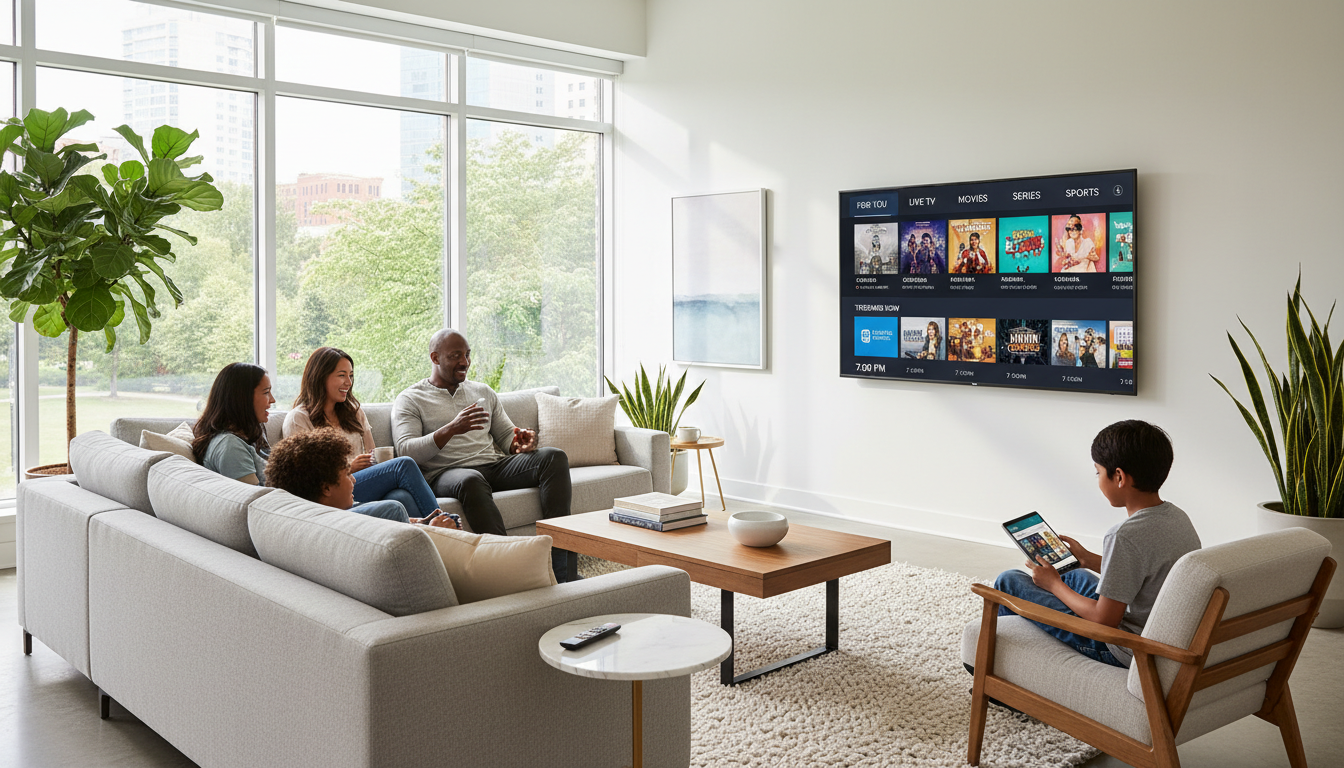
Before diving into cable management, take a close look at your current setup. Identify all the devices connected to your TV, such as gaming consoles, sound systems, and streaming devices. This will give you a clear idea of the cables you need to manage.
Consider the length of each cable and the distance between your TV and the power source or devices. Having the right cable lengths is crucial for effective management.
Gather Your Materials
To hide your TV wires effectively, you’ll need some essential tools and materials. These include:
- Cable ties or Velcro straps
- Cable management sleeves or tubing
- Wall-mounted cable raceways or covers
- Drill and screws (if mounting raceways)
- Measuring tape
Having these items on hand will make the process smoother and more efficient.
Organize and Label Cables
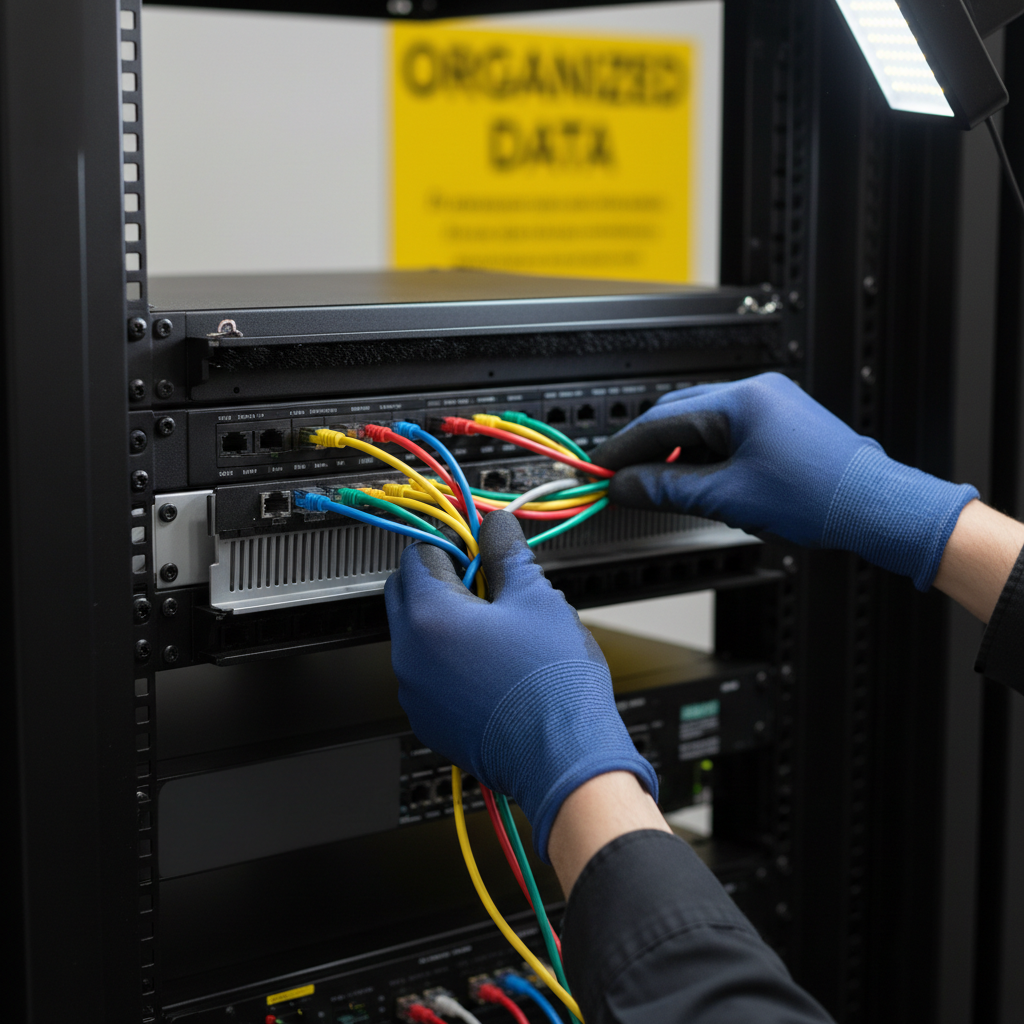
Begin by unplugging and untangling the cables. Sorting them by type and purpose will make the subsequent steps easier. Consider labeling each cable to avoid confusion later on.
Using cable ties or Velcro straps, bundle similar cables together. This not only reduces clutter but also makes it easier to manage connections.
Choose Your Hiding Method
There are several ways to hide your TV wires, depending on your preferences and setup:
- Wall-Mounted Cable Raceways: These covers attach to the wall and conceal cables while allowing easy access.
- In-Wall Wiring: For a seamless look, consider running cables inside the wall. This may require professional help.
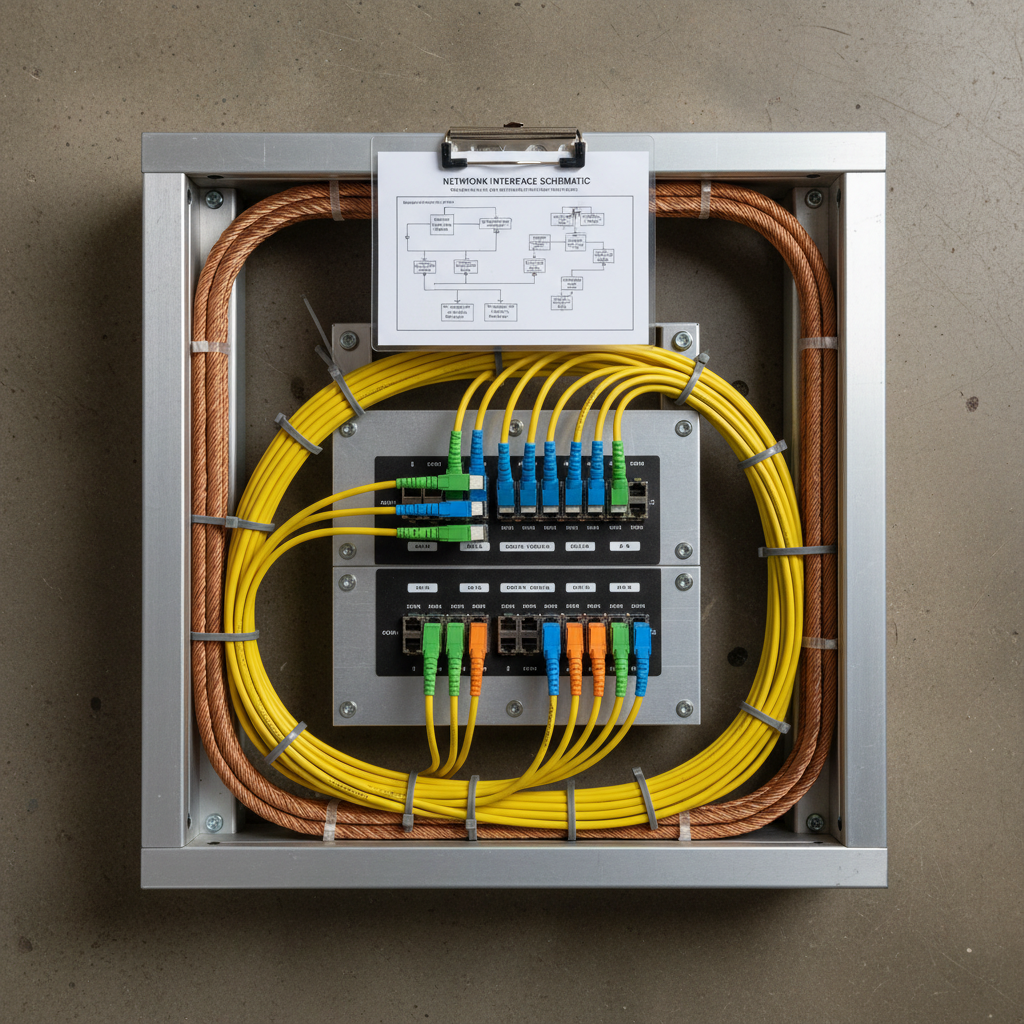
- Cable Management Sleeves: Flexible sleeves can bundle and hide multiple cables together.
Evaluate each method and choose the one that best suits your space and skills.
Install Cable Management Solutions
Once you've chosen a method, it’s time to install. If you're using wall-mounted raceways, measure and cut them to fit your space. Secure them to the wall using a drill and screws, then run the cables through.
If using sleeves, simply gather the cables and zip the sleeve around them. This method is ideal for setups where you need flexibility and easy adjustments.
Final Touches
After hiding the wires, take a step back and admire your work. Ensure that all cables are neatly tucked away and that the setup looks tidy. Make any necessary adjustments to achieve a polished look.
For added organization, consider using decorative elements to complement your setup, such as plants or artwork to draw attention away from the TV area.

By following these steps, you can enjoy a cleaner, more organized TV setup that enhances both functionality and aesthetics. Say goodbye to cable clutter and hello to a more inviting living space!