The Ultimate Guide to Flat Screen TV Installation in Portland
Installing a flat screen TV can transform your living space, providing an enhanced viewing experience while saving space. If you're in Portland and considering this upgrade, you're in the right place. This guide will walk you through the essentials of flat screen TV installation, ensuring a seamless setup.
Choosing the Right Location
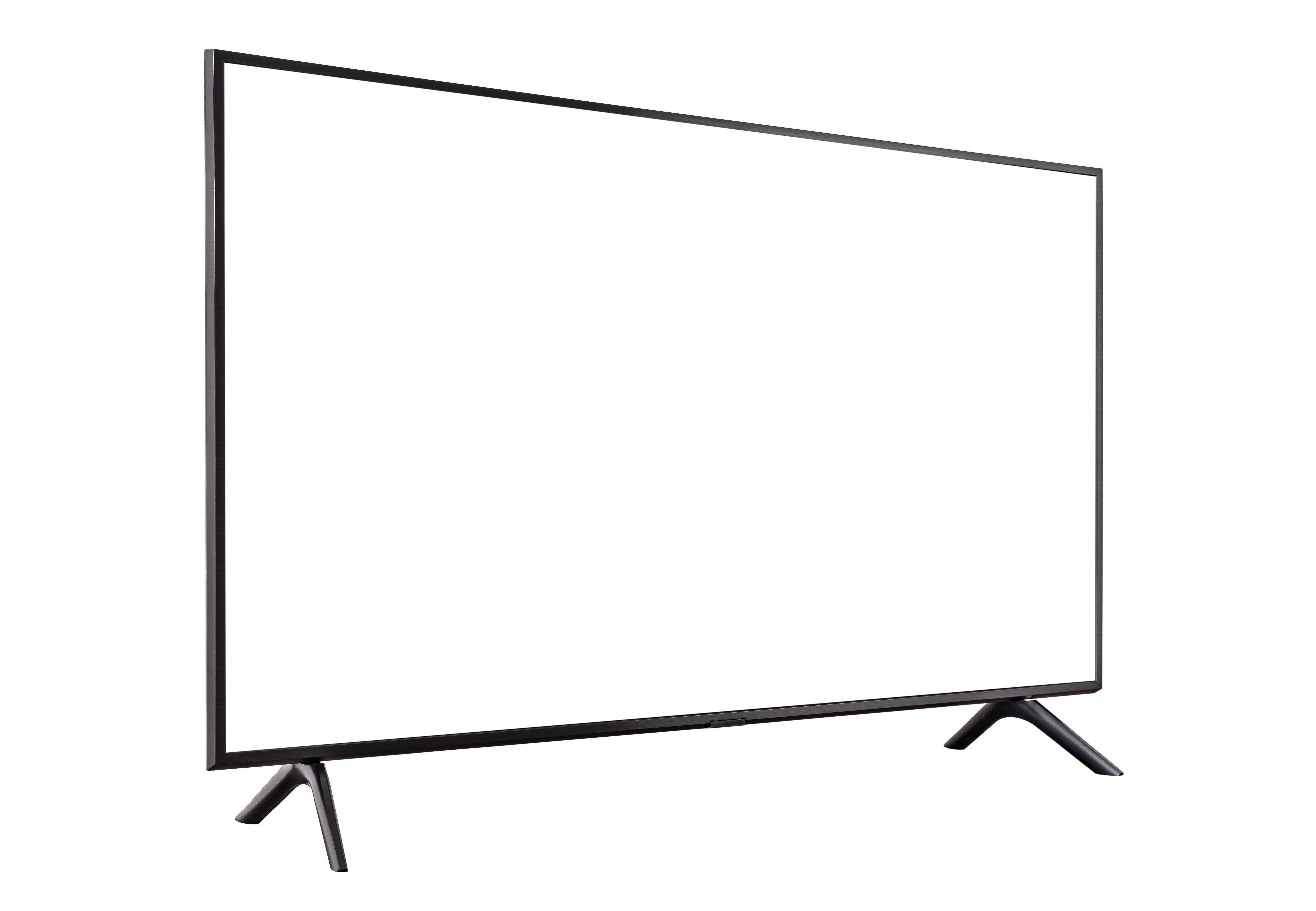
Before you start drilling holes, it's crucial to choose the right spot for your TV. Consider the room's lighting, seating arrangement, and wall space. Ideally, the TV should be at eye level when you're seated, providing the best viewing experience.
Also, take into account the distance from the seating area. A general rule of thumb is to sit at a distance that is 1.5 to 2.5 times the diagonal size of the screen. This ensures optimal viewing without straining your eyes.
Selecting the Appropriate Mount
Once you've decided on the location, the next step is choosing the right mount. There are several types of mounts available, including:
- Fixed Mounts: These are ideal if you want a straightforward installation without any movement options.
- Tilt Mounts: Perfect for installations where the TV needs to be mounted higher on the wall, allowing you to adjust the angle.
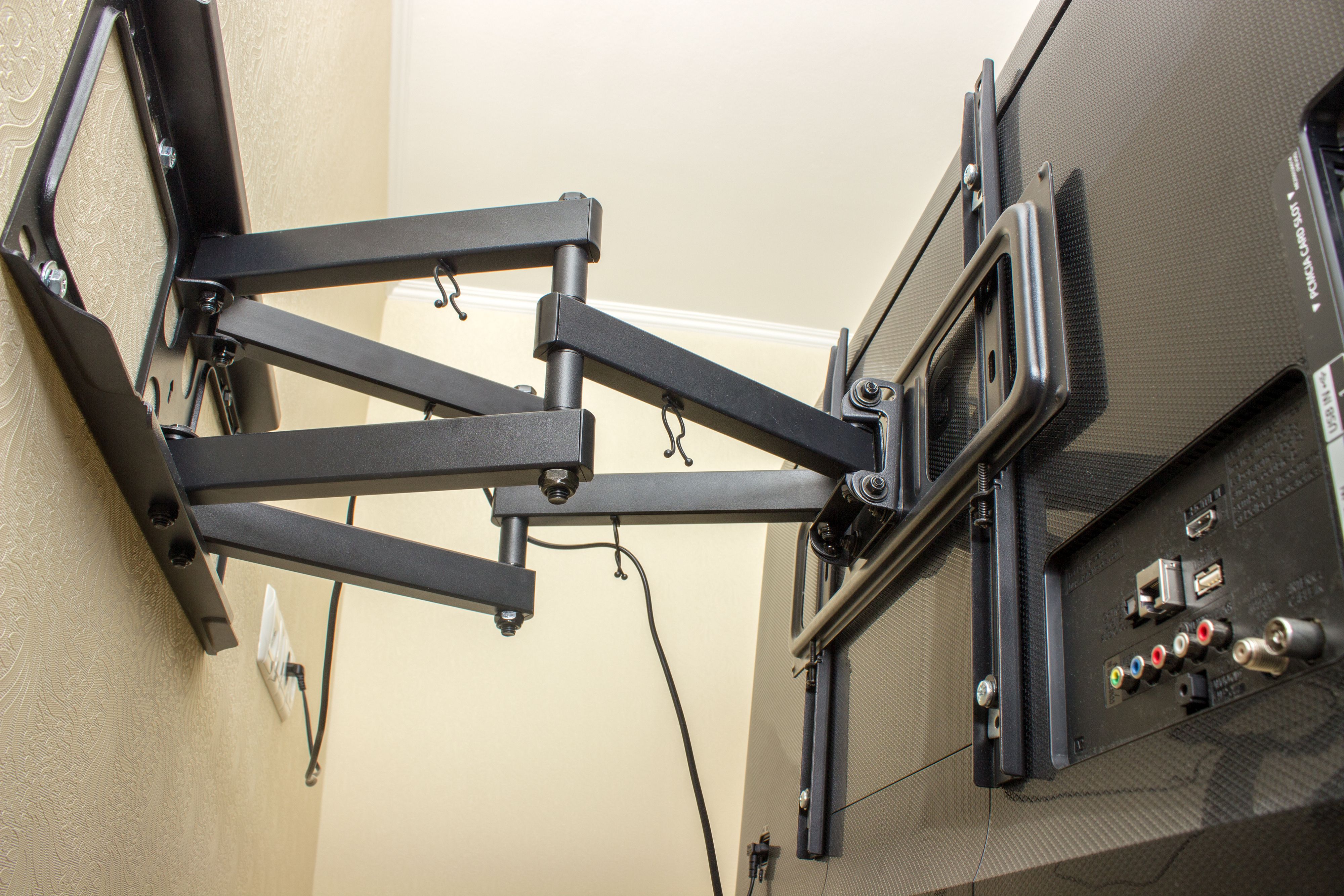
- Full-Motion Mounts: These offer the most flexibility, enabling you to tilt, swivel, and extend the TV.
Gathering Necessary Tools and Materials
Proper installation requires some basic tools. Ensure you have the following at hand:
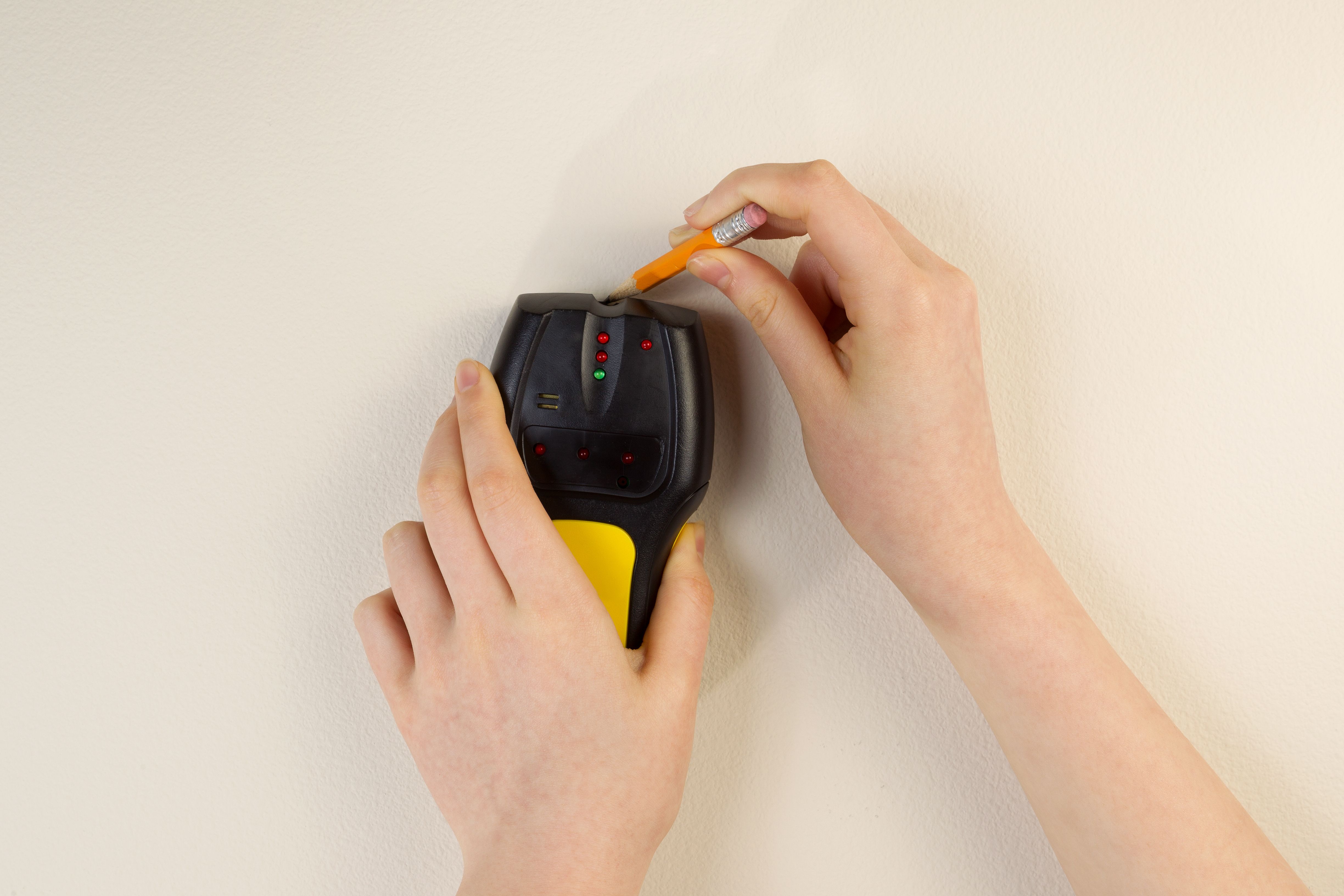
- Stud finder
- Drill and appropriate drill bits
- Level
- Measuring tape
- Screwdriver
- Wrench
Having these tools ready will make the installation process smoother and more efficient.
Installation Process
Start by locating the studs in the wall using a stud finder. This is crucial because the studs provide the necessary support for the TV's weight. Mark the spots where you'll drill the holes for the mount.
Next, drill the holes and attach the mount to the wall, ensuring it's level. Secure the mount with the bolts provided. Once the mount is securely attached, you can proceed to attach the brackets to the TV. Finally, lift the TV onto the mount, securing it in place according to the manufacturer's instructions.
Concealing Cables
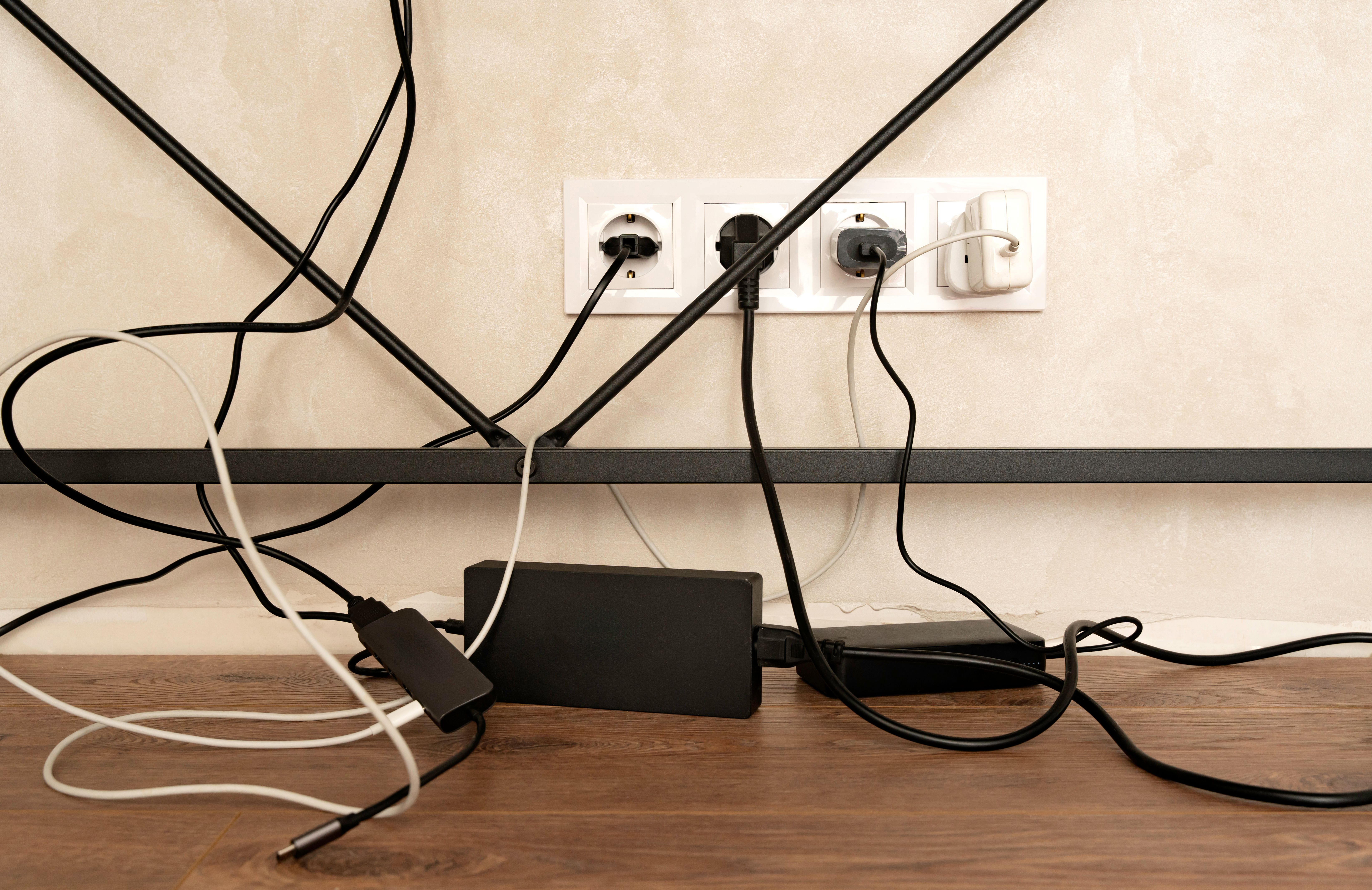
Loose cables can be an eyesore, but there are several ways to conceal them. Consider using cable management systems or raceways for a clean and organized look. If you're comfortable with more extensive work, in-wall cable management kits offer a more seamless appearance.
For those who prefer professional assistance, hiring an expert can ensure a flawless setup. Portland has several skilled technicians who can handle everything from installation to cable management.
Final Adjustments and Calibration
After installation, make any necessary adjustments to the tilt or angle to optimize viewing. You may also want to calibrate the TV settings for the best picture quality. This could include adjusting the brightness, contrast, and color settings based on your room's lighting.
By following these steps, you'll enjoy a sleek, professional-looking flat screen TV setup that enhances your home entertainment experience.