Top 5 Mistakes to Avoid During TV Wall Mount Installation
Introduction
Mounting a TV on the wall can be a fantastic way to save space and create a clean, modern look in your living area. However, the process can be tricky, and making mistakes can lead to frustrations or even damage. To help you achieve a successful installation, we've outlined the top five mistakes to avoid during TV wall mount installation.
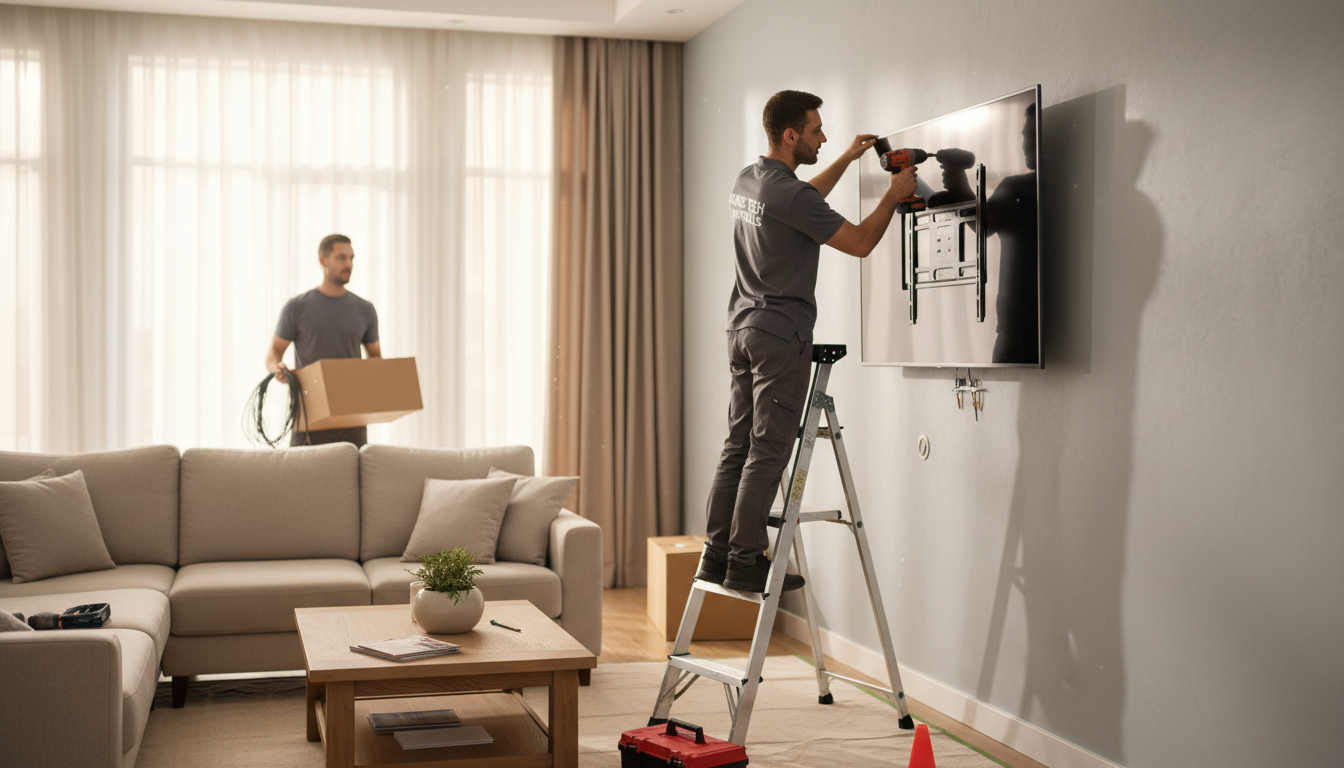
Choosing the Wrong Wall
One of the most common mistakes is selecting an inappropriate wall for mounting. It's essential to ensure that the wall you're using can support the weight of your TV. Avoid using drywall without proper support, as it may not hold the TV securely. Instead, look for a stud in the wall to provide the necessary stability.
Using a Stud Finder
Invest in a quality stud finder to locate the studs behind your walls. This tool will ensure that you mount your TV securely, preventing any accidents or damage.
Ignoring Cable Management
Cable management often gets overlooked during installation, leading to a messy and cluttered appearance. **Plan your cable management** strategy beforehand to keep everything organized and tidy. Consider using cable covers or conduits to hide the wires for a cleaner look.
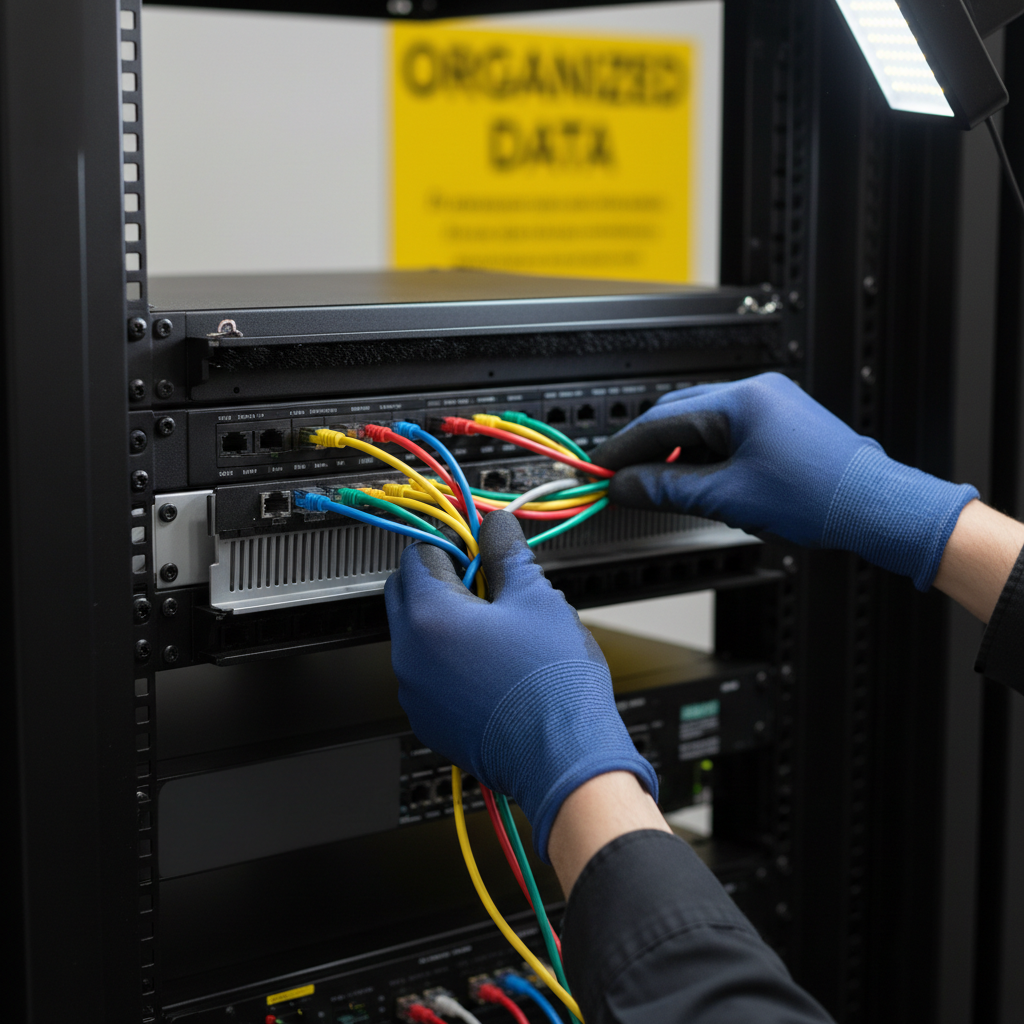
Planning Ahead
Think about all the devices you will connect to your TV, such as gaming consoles or streaming devices. Ensure you have enough cable length and outlets available to accommodate them without stretching the cables.
Incorrect Bracket Installation
Installing the bracket incorrectly can lead to problems down the line. It's crucial to follow the manufacturer's instructions carefully and double-check your work. Ensure the bracket is level and securely attached to the wall.
Leveling Tools
Use a level to make sure your bracket is perfectly horizontal. An uneven bracket can cause your TV to tilt and can be visually unappealing.
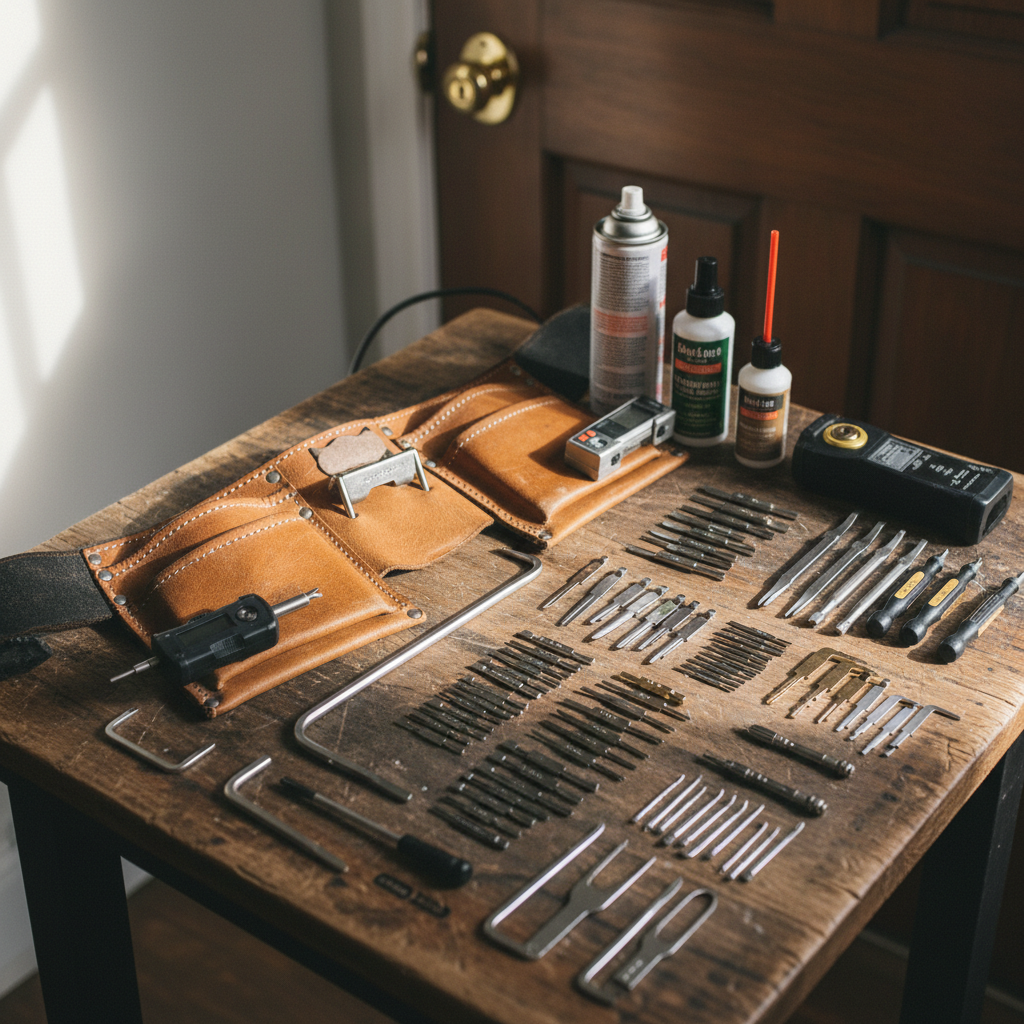
Not Considering Viewing Angles
Another mistake is not considering the optimal viewing angles when mounting your TV. Mounting it too high or at an awkward angle can cause discomfort during viewing. Aim to position the TV so that the center of the screen is at eye level when seated.
Adjustable Mounts
Consider using an adjustable mount that allows you to tilt or swivel the TV. This flexibility can enhance your viewing experience by allowing you to modify the angle as needed.
Neglecting Safety Measures
Skipping safety precautions can lead to accidents or damage to your equipment. Always turn off and unplug your TV and other devices before starting the installation. Additionally, ensure that your tools are in good condition and suitable for the task.
By being mindful of these mistakes and taking the necessary precautions, you can ensure a safe and successful TV wall mount installation. Enjoy your newly mounted TV and the enhanced viewing experience it brings!