Top Tips for Wall Mounting a TV with Wires Hidden
Choosing the Right Wall Mount
When it comes to wall mounting a TV, selecting the right mount is crucial. Consider the size and weight of your TV to ensure compatibility. Look for mounts that offer tilt and swivel features for the best viewing angles. VESA compatibility is another important factor, as it determines if the mount will fit the TV's mounting holes.
Additionally, decide between a fixed mount, a tilting mount, or a full-motion mount. Each type has its advantages, depending on your room layout and viewing preferences.

Planning the Wire Management
One of the biggest challenges in wall mounting a TV is hiding the wires. Start by planning the route the cables will take from the TV to the power outlet and other devices. Choose between options like running cables through the wall or using external cable covers.
For a cleaner look, consider in-wall cable management systems. These kits allow you to route cables invisibly through the wall, creating a seamless appearance.
Gathering the Necessary Tools
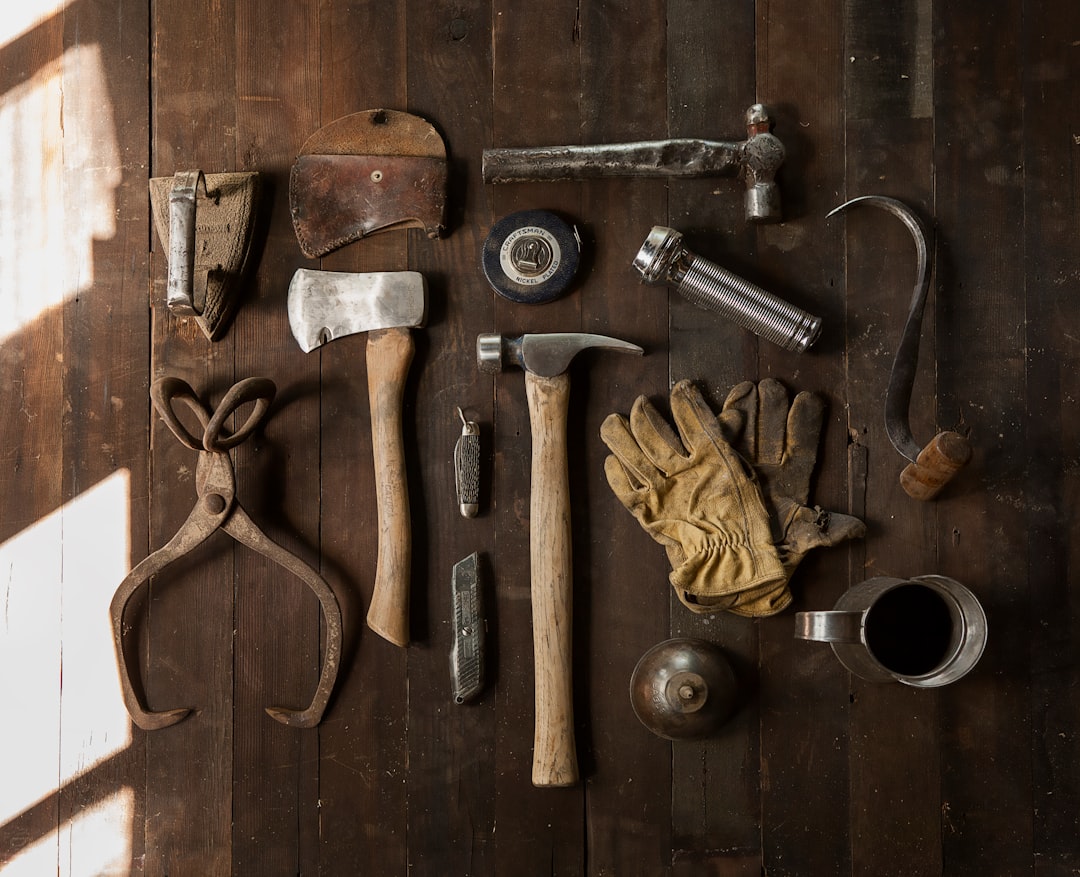
Before you begin, gather all the necessary tools and materials. You'll need a drill, a stud finder, a level, and possibly a drywall saw if you're running cables through the wall. Having these tools on hand will make the installation process smoother and more efficient.
Locating the Studs
Securing your TV to the wall studs is essential for safety and stability. Use a stud finder to locate the studs behind the wall. Mark their positions with a pencil to ensure accurate mounting. If the studs don't align with your desired TV position, consider using a mounting plate to bridge the gap.
Be sure to avoid electrical wires and plumbing when drilling into the wall. A stud finder with wire detection can help you safely navigate these obstacles.

Mounting the TV
With the studs marked and tools ready, it's time to mount the TV. Follow the instructions provided with your wall mount carefully. Typically, this involves attaching the mounting bracket to the back of the TV and then securing it to the wall plate.
Enlist a friend to help lift and position the TV. Use a level to ensure it's perfectly straight before tightening all screws and bolts.
Hiding the Wires
Once the TV is mounted, focus on hiding the wires. If you're using an in-wall system, carefully thread the cables through the wall and connect them to the corresponding devices. If external covers are your choice, neatly bundle and secure the cables along the wall using the covers.
Both methods provide a clean appearance, enhancing the overall aesthetic of your entertainment area.
Final Touches and Testing
With everything in place, double-check that all connections are secure. Turn on the TV and test all connected devices to ensure everything functions correctly. Adjust the TV's angle if needed for optimal viewing.
Finally, tidy up any remaining cables and enjoy your sleek, wall-mounted TV setup!
